
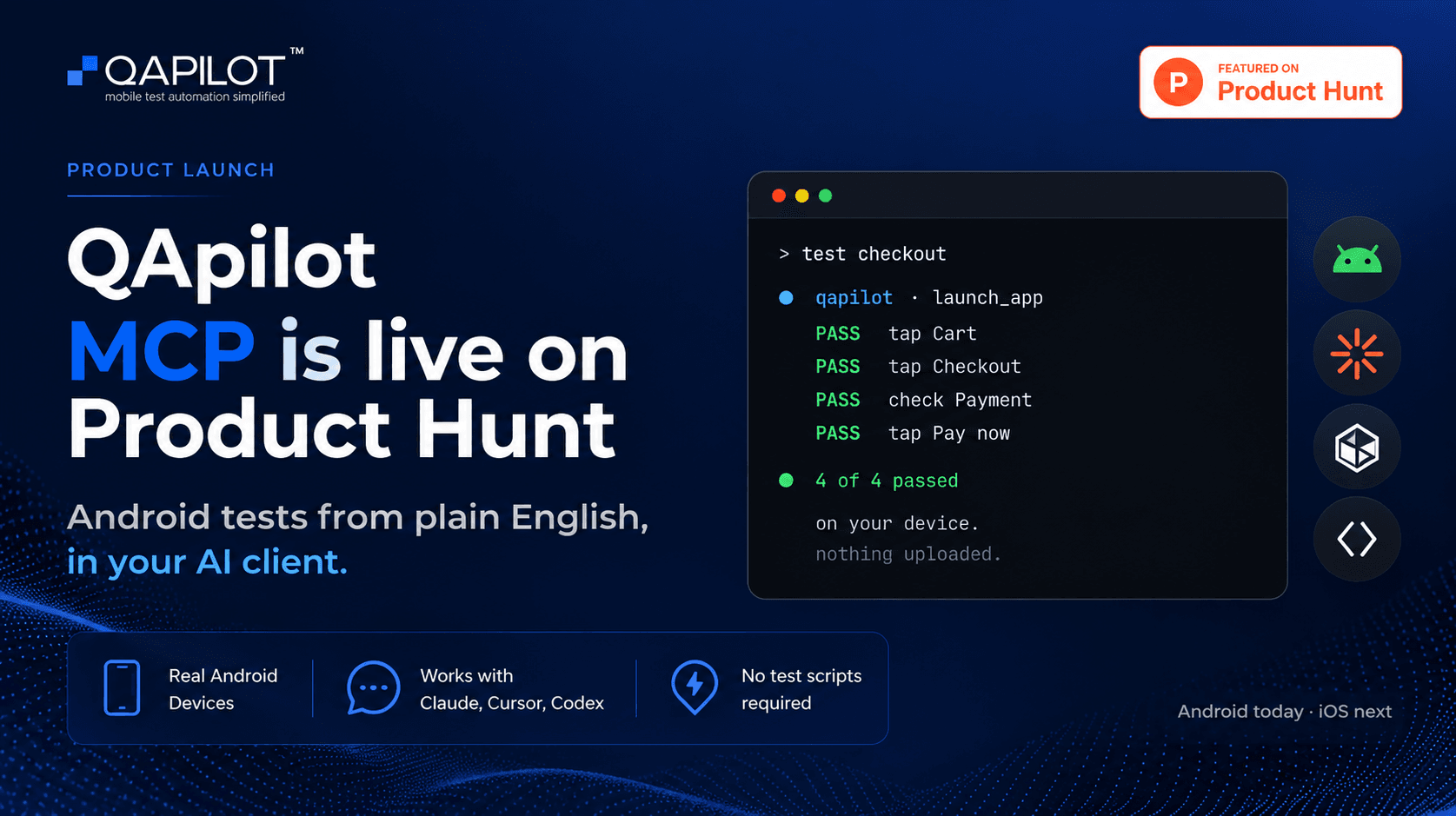
QApilot Launches Android MCP on Product Hunt
Summarise with AI
Key takeaways
QApilot MCP is now live on Product Hunt, bringing AI-powered Android app testing to Claude, Cursor, and Codex through plain-English test instructions.
Harini Mukesh
Product Marketing Analyst
QApilot has launched QApilot MCP for Android on Product Hunt, bringing mobile app testing directly into AI coding agents like Claude, Cursor, and Codex.
The idea came from feedback we received during our previous Product Hunt launch of CoWork. Developers told us they wanted to verify mobile apps before merging code, rather than waiting for testing to happen later in the release process.
So we built QApilot MCP to let an AI agent drive a real Android device or emulator, using plain-English test instructions.
View QApilot MCP on Product Hunt
From writing mobile code to verifying it
Coding agents have made it much easier to generate mobile code. But writing a checkout screen in seconds doesn't tell you whether checkout actually works.
Traditional approaches still leave developers with a familiar choice: tap through the app manually or wait for someone else to test it.
Pointing an AI agent at a phone sounds simple, but reliable mobile automation is harder than it looks. Coordinate-based actions break when layouts shift. Fixed waits create flaky tests. And a test that passes once isn't necessarily useful.
QApilot MCP was built around these problems.
What happens behind the scenes
Reducing the noise in the UI tree
A real Android screen can contain hundreds of UI nodes, many of which are simply layout wrappers.
Instead of passing the entire tree to the model, QApilot reduces and annotates the information before the agent sees it. This gives the agent more useful context for resolving targets such as a button positioned next to another element.
Resolving what the agent actually means
When an agent says "tap Checkout," there may not be an element literally named Checkout.
It could be represented by visible text, a content description, a child node, or an internal ID. QApilot uses multiple resolution strategies and fallbacks to identify the correct element in the live UI.
This is one of the less visible parts of mobile automation, but it has a major impact on whether a test runs reliably.
Waiting for the screen instead of guessing
Fixed sleeps are a common source of flaky mobile tests.
QApilot watches the screen for changes and moves forward when the UI has settled instead of relying on arbitrary delays. This helps avoid acting against a screen that is still rendering while also avoiding unnecessary waits.
Bounded recovery
Automation should not keep retrying forever.
QApilot limits recovery attempts and stops when it cannot reliably complete a step, reporting what happened instead of hiding a genuine failure behind endless retries.
Learning from successful runs
Every app starts with a cold session, but QApilot keeps useful information from successful runs.
The system builds app-specific knowledge around learned locators and flows, allowing subsequent runs to become faster without making the agent rediscover the same app every time.
The split between the agent and QApilot
One of the key design decisions behind QApilot MCP is keeping the responsibilities separate.
The agent decides what to do. QApilot handles how to do it.
The agent creates the test plan in short actions such as tap, type, and verify. QApilot resolves those actions against the live Android UI, executes them, waits for the screen to settle, handles bounded recovery, and reports the result.
Keeping the execution logic outside the prompt made the automation more predictable than trying to make the model handle every detail itself.
What QApilot MCP supports today
QApilot MCP currently supports:
- Android native applications
- Real Android devices and emulators
- Claude Desktop, Cursor, and Codex
- Local execution through your existing Android setup
- Plain-English test instructions
- Replayable test cases from successful runs
The current setup requires Node, Java, the Android SDK, and Appium.
For now, QApilot MCP is Android-only, with iOS in progress. Hybrid and WebView applications are not supported yet.
Built to run locally
QApilot MCP runs against the Android device or emulator connected to your machine.
Your application, screenshots, and test runs aren't uploaded to QApilot's cloud during execution. This was an important part of the design for teams that want AI-assisted testing without routing their application through a remote testing environment.
What's next
The setup experience is one of the areas we're continuing to improve. Getting an existing Android toolchain running is straightforward, but teams starting from scratch still need to install and configure several dependencies.
We're also working toward iOS support.
QApilot MCP is available now for developers who want to bring mobile testing closer to where they already write and review code.
Read More...

BFSI Is Pushing the QA Industry Forward
BFSI is not just adopting the next generation of quality engineering. Its requirements are actively helping define what that next generation needs to look like.
Read More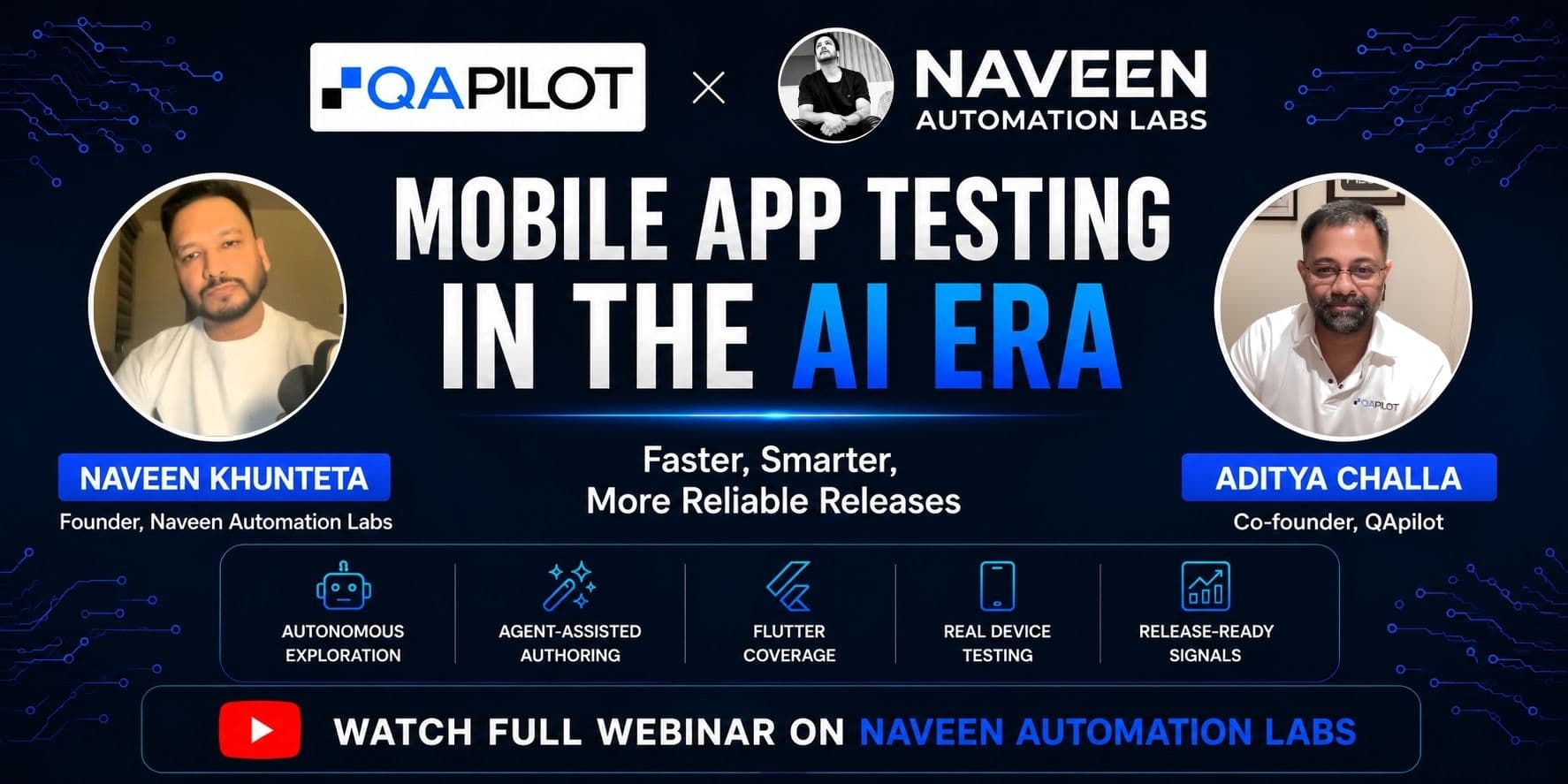
QApilot Shares AI-Native Mobile Testing Insights with Naveen Automation Labs
QApilot Co-founder Aditya Challa joined Naveen Khunteta for a live webinar exploring AI-native mobile testing, autonomous exploration, Flutter testing, and release-ready quality signals. The session featured live product demonstrations and practical insights into modern mobile QA workflows.
Read More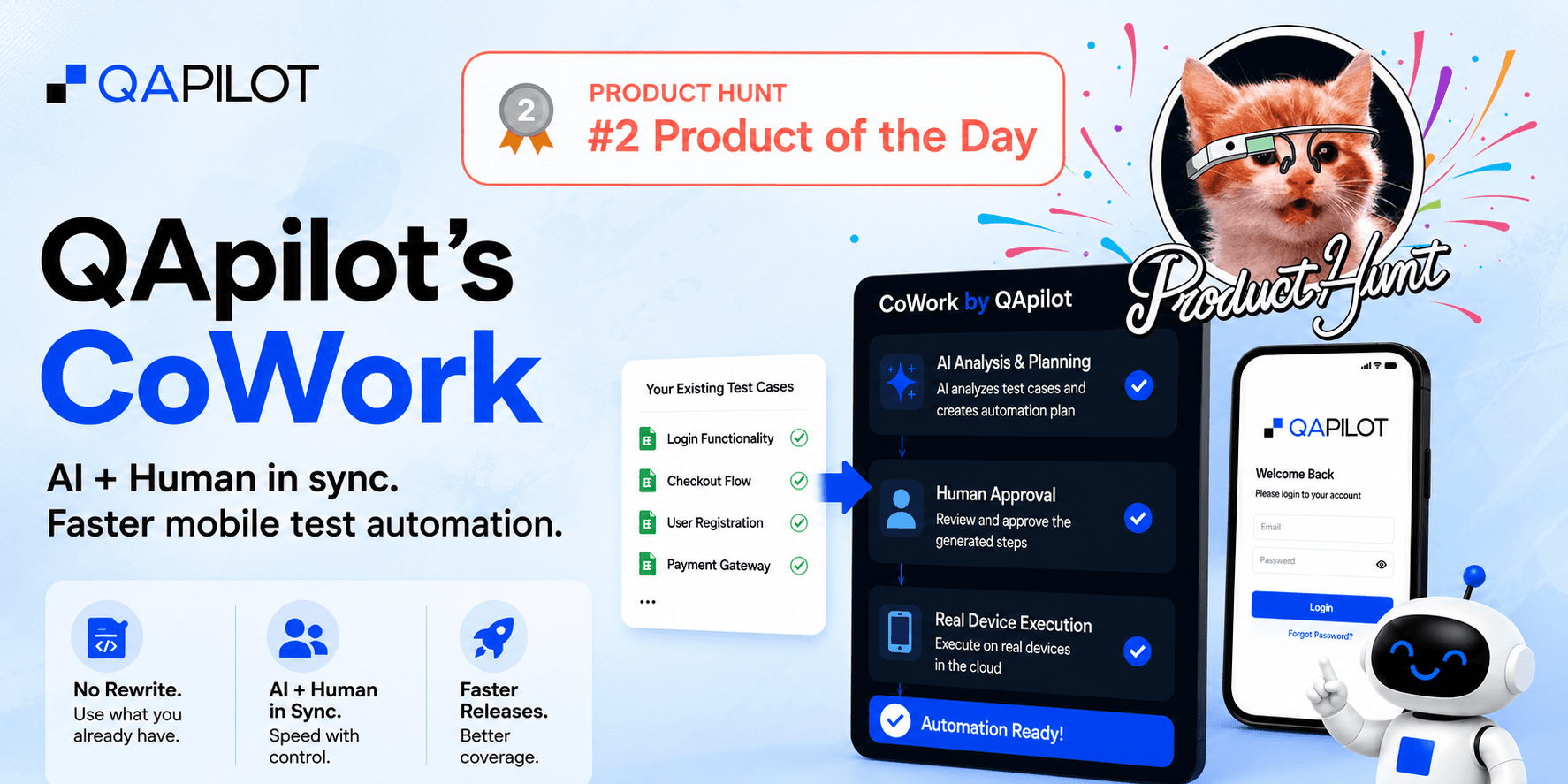
QApilot's CoWork Ranked #2 Product of the Day on Product Hunt
QApilot's CoWork earned the #2 Product of the Day ranking on Product Hunt, highlighting growing industry demand for AI-powered mobile testing, Human-in-the-Loop automation, and faster release readiness.
Read More

