The core idea of automation in any space is to replicate repeatable manual tasks and scale them up with the power of computation. The same applies to the automation of software testing. For a long time, automation of software testing has been based on logic written using the structured data available from the application. We are attempting to talk to computers in a language they understand. This is not replicating human behaviour but trying our best to map human behaviour into structured logic computers can fathom and expect the same logic to apply to all parts of the application we are testing. The missing cog in this approach is how big a part visual cues play for humans when it comes to consuming information and making decisions based on it. We can consume both micro and macro data to build context of the information being consumed. And this is as essential in testing as any other automation.
What is Visual AI?
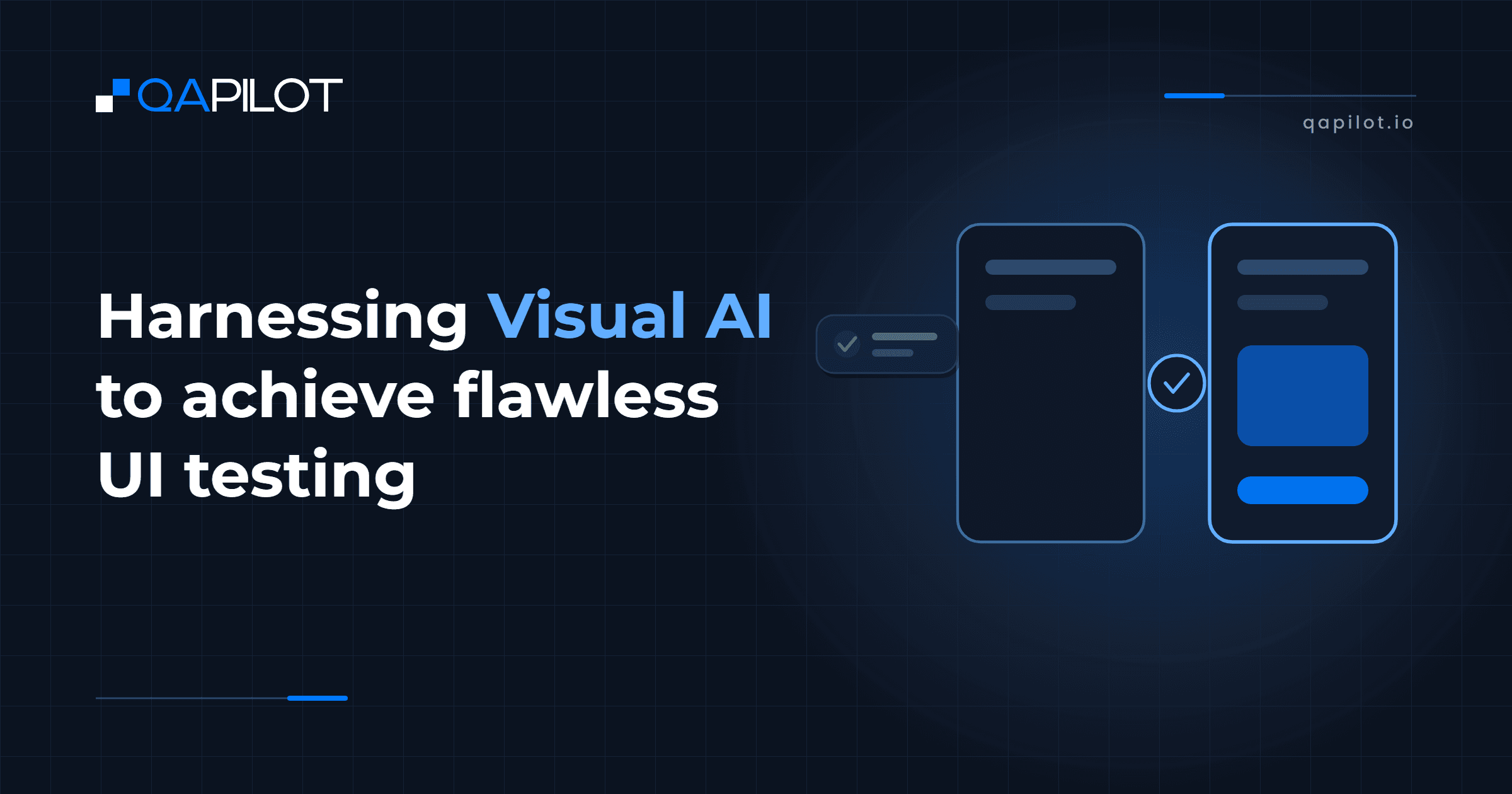
Visual AI helps us look at application screen(images) just like how manual tester would look at and identify visual differences better than traditional approaches used to compare to applications screens –
• Pixel based comparison – compare two screenshots pixel to pixel and identify pixel level differences
• DOM (Document Object Model) based comparison – compare the underlying structure of the page Visual AI breaks down the captured screenshots into visual elements and then compares the elements identified in the images. This makes a difference because we are seeing the screenshots just like how an end user of the application sees it irrespective of the device, platform, browser, etc. A manual tester might miss minute details while doing repetitive work but using AI we can repeatedly capture every detail with high accuracy. From a technological standpoint, Visual AI is a bunch of algorithms built using different tools and approaches ranging from heuristic-based rules to the latest LLMs.
Applications of Visual AI:Visual Testing:This helps us capture cosmetic issues that can ruin user experience. Also, this helps us improve coverage by finding issues that can be missed when we only perform functional testing or use structured data like the DOM of the page.
Cross Platform Testing:Making sure applications look and work as expected across platforms – multiple phones, tablets, and web, is a nightmare for testing teams because most cross-platform bugs are visual bugs. Subtle changes in the Machine Configuration can break the UI although the application passes every functional test possible. Visual AI can help improve coverage by identifying such issues early in the lifecycle.
Localization testing:Most applications achieve localization through configured text strings to present a different text in each language in the same application screen without regard to changes in the text lengths, character sizes, spacing between characters, size of character specific symbol, direction of reading the language. Visual AI can help capture issues caused by such differences and help us achieve good localization by capturing culture-based variances in images and icons.
Accessibility testing:Visual AI can help improve accessibility of the application by identifying visual violations/regressions from the expected standards. This would be an add–on to the other tools that analyze structured data like DOM.
A/B testing:Test automation for two versions of the application, especially when it is known that one of the versions will be thrown out, can sound like too much work. But the tests remain the same across both versions, so by capturing multiple baseline screenshots we can apply Visual AI to run the same tests for both versions of the application without worrying about the change in pixels or DOM of the pages.
Dark mode:This is a variation of A/B testing where the content remains the same, but the app is rendered differently. Now that ‘Dark mode’ has become an unmissable feature for most apps, it becomes that much more important to test this. Visual AI helps us look at the application just as a human would look at it and helps improve the application‘s user experience. Organizations have understood the huge potential of Visual AI in the automation space and consequently are implementing various versions of this technology.